Last updated: August 09, 2026
- Key facts – A retirement home office should cut friction, not create decisions.
- – A good chair comes before decorative upgrades.
- – Screen height and lighting affect comfort every day.
- – Simple storage works better than complicated systems for most retirees.
Quick Answer
For retirement, the best setting up a home office for retirement setup is usually a compact, comfortable, low-fuss workspace with 1 good chair, 1 correctly sized desk, 1 task light, and simple storage.
Key facts
– A retirement home office should cut friction, not create decisions.
– A good chair comes before decorative upgrades.
– Screen height and lighting affect comfort every day.
– Simple storage works better than complicated systems for most retirees.
– The right setup depends on how often you will use the room.
The best home office for retirement is not the fanciest one. It is the one that makes it easy to sit down, stay comfortable, find what you need, and stop before the end of the day with no stiffness and no mental clutter. I write about home and workplace setup for older adults, and fit matters most to me: desk, chair, light, noise, storage, tech — all of it has to suit your body and your habits now, not the version of you from twenty years ago.
The Real Difference Between a “Nice Corner” and a Real Retirement Office

A real retirement home office is built around comfort and predictability. A nice corner can be just a desk shoved into a spare room and hoped for the best. After retirement, that gap matters more, because many people use the office for longer stretches of reading, bill-paying, family admin, hobbies, part-time work, and video calls. Awkward setup? You’ll avoid it.
I’d start with one simple rule: your office should reduce friction, not add decisions. So the chair should be easy to get in and out of. The monitor or laptop should not make you crane your neck. The surface should stay clear enough that you can find glasses, chargers, pens, and paperwork without a scavenger hunt. Need a flashlight for labels or a ladder for one shelf? The design has already missed the mark.
A generic article often talks about “productivity” as if retirement were a career sprint. That misses the point. Most retirees are trying to support a quieter, steadier life. The office may be for finances, side projects, genealogy, volunteering, creative work, telehealth, or video chat with grandchildren. No executive suite needed. You need a space that is easy on joints, easy on eyes, and easy to keep tidy.
The trade-off is real: a more comfortable setup may take more square footage than a minimalist one. Honestly, I think that is usually worth it. A slightly larger desk or a better chair is cheaper — well, usually cheaper — than the daily annoyance of a cramped workspace. If your home is small, you can still make it work, but you will need to be ruthless about what stays on the desk and what lives elsewhere.
Desk and Chair: Who Should Actually Invest Here (and Who Shouldn’t)
The chair wins first, then the desk. I would not flip that order. If you sit for reading, forms, taxes, crafts, or video calls, a weak chair will make the whole office feel wrong. A good one supports your lower back, lets your feet rest flat, and does not force you to strain when you stand up. The desk should match the chair height and give your legs enough clearance.
This is the part of the setup where retirees should spend real attention, because comfort issues tend to snowball. A chair that is a little too hard or a desk that is a little too low can turn into shoulder tension, neck stiffness, or numb feet after an hour or two. I would skip the urge to buy a stylish set just because it looks good in a room. Looks don’t help if your body hates it.
Who should invest here? Anyone who uses the office daily, anyone with back or hip stiffness, anyone who plans to spend long stretches on a computer, and anyone who already knows that standing up from low seats is annoying. Who should skip the “big ergonomic overhaul”? Someone using the space only for occasional paperwork or very short tasks may do fine with a simpler chair and a sturdy table, as long as the height works.
The downside is cost and space. Better chairs and adjustable desks can take up more room and more budget than a basic table. They can also get overwhelming if you start chasing too many features. I’d avoid anything with complicated controls unless you truly need them. Keep it simple. Calm beats clever here.
Lighting and Screen Setup: The Specific Situations Where It Wins
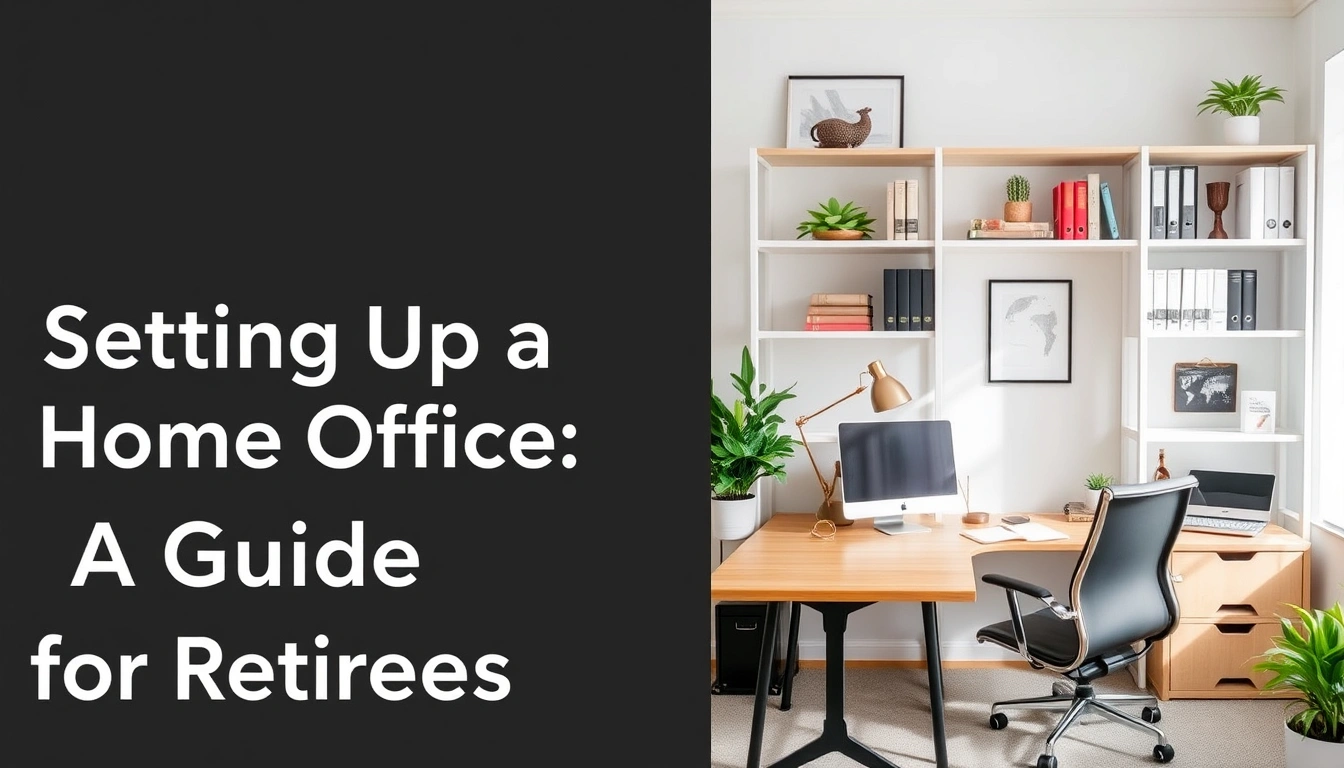
Good lighting is one of the easiest upgrades to underestimate and one of the hardest to live without. It pays off for retirees who read paperwork, browse the web, write, or take video calls, because eye strain often starts with bad light rather than a bad computer. I would aim for layered light: daylight if you have it, a general room light, and a task lamp that points where your hands and eyes are working.
This matters even more if your vision is changing. Glare on a screen can make everything feel harsher than it should. A monitor that sits too low can make your neck ache. A laptop used alone on a dining table can push you into a slumped position fast. In a retirement office, screen height is not a fancy detail; it is the difference between “I can use this all afternoon” and “I need a break after twenty minutes.”
If you use a laptop, I’d seriously consider a separate keyboard and mouse plus some way to raise the screen. That setup costs less than replacing the whole computer and often works better for posture. If you read printed forms, a lamp with a focused beam can be more useful than a brighter room light, because it helps without flooding the whole space.
The downside is that lighting can be fiddly. Too much light creates glare; too little leaves you squinting. A monitor riser, an adjustable lamp, and window placement may take a few experiments to get right. Still, this is the kind of work that pays off every single day. I would make it a priority before buying decorative extras. Cheap glare is a sneaky nuisance.
Storage and Layout: The Honest Side-by-Side
A neat office is not the same as an empty office. For retirement use, I prefer a layout that keeps everyday items within reach and rarely used items out of the way but still accessible. The goal is to avoid both clutter and hunting. If you have to stand up every five minutes to find a charger, a file, or reading glasses, the room is not working.
Here is the head-to-head I would use when choosing between a more open setup and a more enclosed one.
| Criteria | Open, Minimal Setup | More Organized, Zoned Setup | Winner for this condition |
|---|---|---|---|
| Ease of cleaning | Faster to dust and wipe | Takes longer but stays orderly | Open setup for low-maintenance users |
| Finding supplies | Harder if items are not assigned a home | Easier because each item has a place | Zoned setup for daily use |
| Visual calm | Can feel airy and simple | Can feel busier if overfilled | Open setup for small tasks |
| Paper management | Can become piles fast | Better for bills, files, and forms | Zoned setup for paperwork-heavy users |
| Accessibility | Fewer things to reach around | Can be arranged within easy reach | Zoned setup for mobility limits |
| Small-room fit | Better when space is tight | Better only if storage is built in | Open setup for very small rooms |
| Long-term flexibility | Easy to change | More committed to a system | Open setup for uncertain needs |
| Noise control | Usually no effect | Can help if storage panels soften sound | Zoned setup if the room doubles as a call space |
My view is plain: the zoned setup wins for most retirees who use the office regularly. It lowers the mental load. A small filing box, one drawer for essentials, one shelf for supplies, and one spot for active projects can save a surprising amount of frustration. The open setup only wins if you use the space briefly, keep very little paper, or need the room to feel as light as possible.
The drawback of organization systems is that they can get too elaborate. Too many bins turn into another chore. I would keep the system simple enough that you can reset it in under five minutes. If the office takes more effort to maintain than the work you do in it, the layout has gone too far.
The Honest Side-by-Side
Here is the clearest way I know to compare the two broad approaches retirees usually face: a basic low-cost setup versus a more fully planned ergonomic setup. I am not saying these are the only options. They are the two that most often shape the final result.
| Criteria | Basic Low-Cost Setup | More Fully Planned Ergonomic Setup | Winner for this condition |
|---|---|---|---|
| Upfront effort | Easy to assemble quickly | Takes more planning | Basic setup for speed |
| Comfort over time | Can become tiring | Better for long sessions | Ergonomic setup for daily use |
| Posture support | Depends on what you already own | Designed around body fit | Ergonomic setup for back/neck issues |
| Flexibility | Easy to move and repurpose | More fixed in place | Basic setup for shared rooms |
| Appearance | Can be simple but uneven | Usually looks more intentional | Ergonomic setup for dedicated offices |
| Storage integration | Often improvised | Usually built in or planned | Ergonomic setup for paperwork |
| Maintenance | Fewer parts to manage | More components to keep aligned | Basic setup for low fuss |
| Accessibility | May not suit mobility limits | Can be tailored to reach and height needs | Ergonomic setup for aging-in-place |
| Upgrade path | Easy to start small | Better end state, harder start | Basic setup for testing the space |
My judgment is that the ergonomic setup wins for most retirees who expect to use the office often. The basic setup only wins when money, space, or uncertainty are the main constraints. In other words, if you are still figuring out how much time you will spend there, start simple. If you already know the room will be a daily hub, plan it properly the first time.
The hidden weakness of the ergonomic route is that people sometimes overbuild it. They buy too much at once and end up with a room that looks “optimized” but feels rigid. I’d rather see a good chair, proper light, and sensible storage than a room full of accessories that sound useful and get ignored.
Our Verdict: Which One to Choose and Why
Choose the ergonomic setup if you will use the office most days, sit for longer sessions, or already know your back, neck, or eyes complain after a while. Choose the basic low-cost setup if the room is occasional-use, temporary, or shared with another purpose and you need to keep spending and complexity down. Neither fits well if the space is so cramped, dark, or noisy that it cannot support a chair, screen, and storage without constant compromise.
That is the practical answer. For retirees, the best office is usually neither the cheapest one nor the most impressive one. It is the one that lets you do ordinary tasks without discomfort. That usually means one good chair, one sensible desk or table, lighting that does not fight you, and a storage system simple enough to keep using.
If I were setting up a retirement office from scratch, I would put my money in this order: chair first, light second, desk height and screen position third, storage fourth, decoration last. That order reflects what actually affects daily use. A framed print will not fix a sore back. A pretty bin will not help if you cannot read the label on a file. The room should support your life, not perform for visitors.
When to Reconsider This Choice Entirely
There are a few situations where a traditional home office may not be the right answer at all. If the room must also function as a guest room, craft room, or storage dump, the office can get swallowed by other uses. In that case, I would consider a compact workstation that closes up neatly rather than a full desk setup that will be constantly disturbed.
If your mobility is changing, or if standing up from a low chair is already difficult, the room may need a different design than the usual “desk and chair” formula. A higher work surface, easier reach zones, and clear walking paths may matter more than appearance. That kind of change is not cosmetic; it is about safe, comfortable access. For any health-related setup, I would consult a medical or occupational professional if you are unsure what best supports your body.
Noise can also change the decision. If the room is near a noisy street, a busy kitchen, or a television that stays on, you may need a different location or a more enclosed arrangement. An office that looks fine on paper can fail in practice if you cannot hear yourself think or take a call.
I’d also rethink the whole idea if the space is turning into endless storage rather than actual use. Many retirees set up a “home office” because it feels like a useful project, then discover they only need a narrow corner for bills and email. That is not a failure. It is a sign to scale back. The right answer is the setup you will genuinely use, not the one that sounds most complete.