Last updated: October 30, 2026
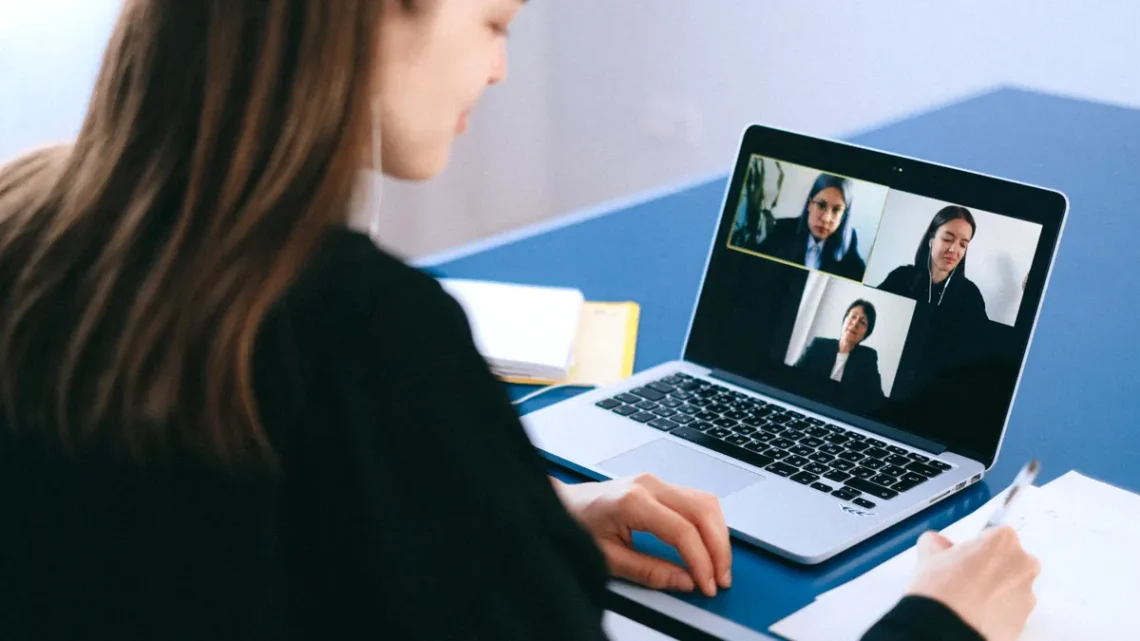
Quick Answer: 30 minutes is enough for one useful practice session. To practice video interview skills for remote jobs, rehearse on camera with your webcam, microphone, lighting, and speaking pace until your delivery looks steady on screen. If you are preparing for a remote job, that matters as much as the content of your answers.
Key Takeaways
- Train camera habits, audio clarity, and timing in a 15- to 30-minute run.
- You do not need studio gear.
- Aim near the webcam lens, not your own image, and repeat that habit in every mock interview.
- A mock interview feels real when it uses a timer, a live camera, and one person who asks follow-up questions without coaching you mid-answer.
The goal is not to sound polished in a theatrical way. The goal is to look and sound easy to follow through a laptop camera, using video call software without fidgeting, rushing, or staring at the wrong point on the screen. That takes repetition with a real setup, not silent mental rehearsal. For related guidance, see remote job interview tips and video call etiquette.
What video interview practice should actually train
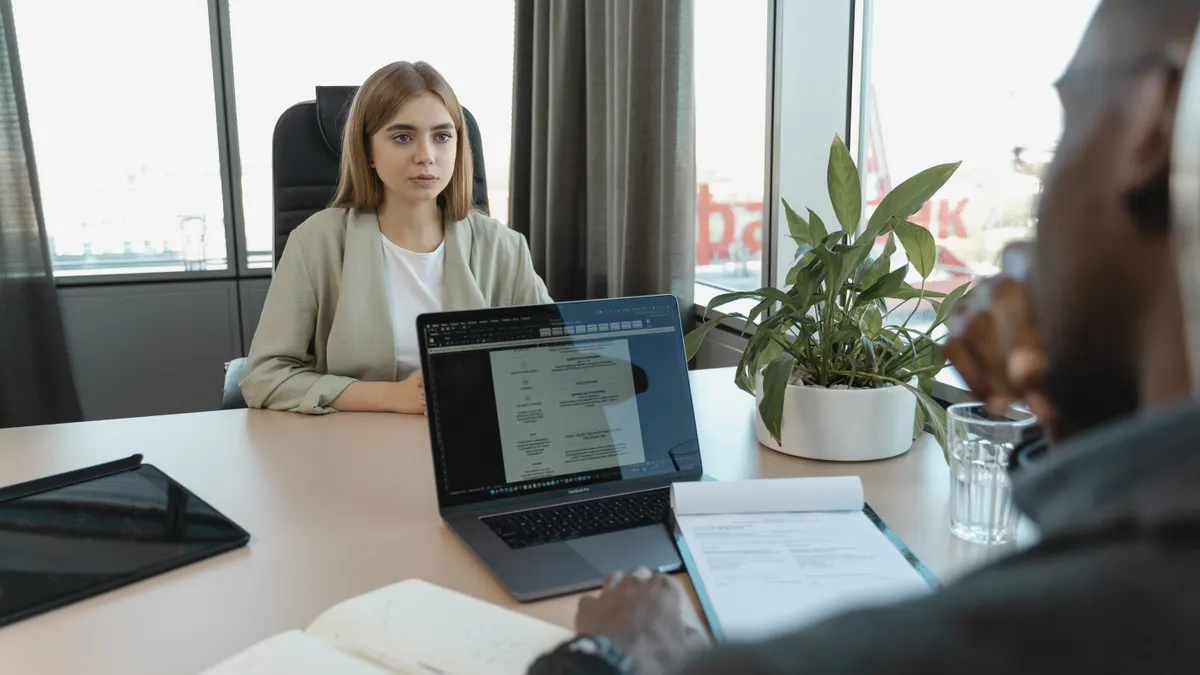
Video interview practice should train your camera behavior, audio clarity, and timing in a 15- to 30-minute run, not just your answers. A lot of people practice the wrong thing: they script responses, then freeze when they see their own face in the corner of Zoom, Microsoft Teams, or Google Meet.
A useful practice session has three targets:
- Eye line: look near the webcam lens often enough that your face reads as engaged, not distracted.
- Voice pacing: keep your speech slow enough that words do not blur together over a microphone.
- Platform comfort: know where the mute button, camera toggle, background blur, and screen-share controls live before the real call starts. For setup help, see how to use Zoom for interviews and how to set up Google Meet.
The simplest standard is this: if you can run a 20-minute mock interview, review the recording once, and spot three things to fix, the session was worth doing. If you only answer questions in your head, you are not practicing video interview skills yet. You are rehearsing content without pressure.
This is also where many generic articles miss the mark. They treat remote interviews like ordinary interviews with a webcam attached, but you should consult a career professional if you want help tailoring your approach to your role. A remote interviewer sees your posture, eye contact, and rhythm through a narrow frame, and small habits get magnified. A five-second glance downward can read as disengagement. A mouth that races through answers can make even strong examples feel hard to follow.
If you are using the senior remote work readiness hub, this page fits as the hands-on practice piece: the one that turns advice into a repeatable routine.
Set up a camera, microphone, and screen that help you look composed
A good setup starts with a webcam at eye level, a microphone that avoids room echo, and a screen distance that keeps your face natural rather than giant on the monitor. You do not need studio gear. You do need control over three basics before you start practicing.
Use this setup sequence:
- Place the webcam at eye height. Stack books, use a laptop stand, or raise a monitor until the lens is close to your eye line. The result should be a straight-on view, not a shot from below your chin.
- Sit 18 to 24 inches from the camera if possible. That distance usually gives enough face detail without crowding the frame. If you lean in to read the screen, lower your text size or move the window instead of moving your torso forward.
- Choose a quiet microphone setup. A built-in laptop mic can work in a small room, but an external USB microphone often reduces room noise. If you use headphones with a mic, keep the cord and controls out of view.
- Check the lighting from one simple source first. Face a window or place a lamp slightly behind the webcam. Avoid a bright light behind you that turns your face dark.
- Open your video call software and inspect the preview. Look for framing, background clutter, and whether your head is centered. Fix the frame before practicing, not during the call.
The trade-off is real: the more you tinker with gear, the less you practice speaking. Stop once the image is clear and the sound is understandable. A clean image with a normal face and readable voice beats a perfect background every time.
This is also where remote job candidates get trapped by perfectionism. A $300 microphone will not rescue a rushed answer, and a blurred background will not hide a monotone delivery. The practice target is competence, not production value. If your setup makes you easy to hear and easy to see, it is good enough for mock interview work.
How do I practice eye contact without staring?
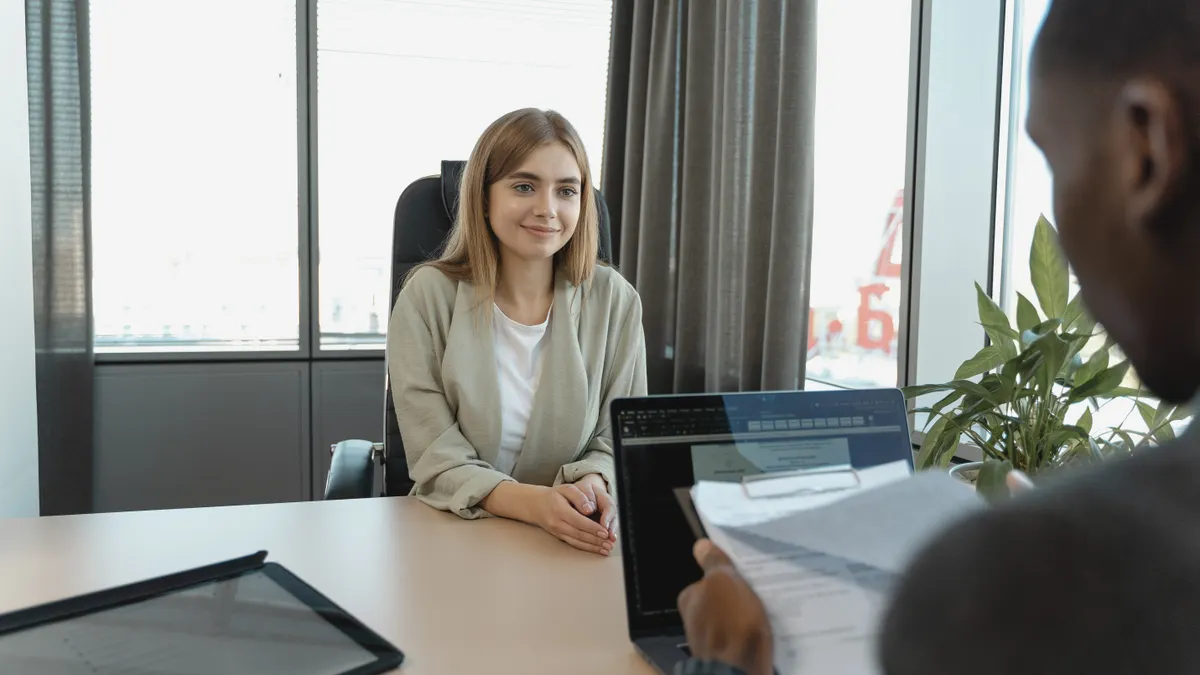
You practice eye contact by aiming near the webcam lens, not at your own image, and by building that habit into every mock interview. On camera, “good eye contact” means a steady line of sight that feels natural to the viewer. Looking at yourself too much makes your gaze drift downward, which reads as uncertainty.
Use a 3-part drill:
-
Round one: answer while looking at the lens for the first sentence.
Do this for 10 questions in a row. The first sentence sets the tone, so this habit gives the interviewer a clear opening impression. -
Round two: look at the lens at the start and end of each answer.
Keep the middle of the answer relaxed. This makes the conversation feel human instead of fixed and robotic. -
Round three: practice with the self-view hidden if the software allows it.
Zoom, Teams, and Meet all have ways to reduce the urge to monitor your own face. That removes one distraction and makes it easier to focus on the interviewer. For a deeper walkthrough, see how to interview on Zoom.
A common mistake is trying to hold the lens stare for the whole answer. That creates a hard, unnatural look, especially on longer responses. A second mistake is glancing down every few seconds to search for your next point. That can make you look unprepared even when your answer is strong.
The right balance is brief, repeated contact with the lens, plus natural movement when you think. Aim for enough steadiness that your gaze does not wander off-screen every line. A 60-second answer should not look like you are reading a transcript.
If you want a simple test, record a 2-minute response and watch only your eyes, not your words. If your gaze keeps dropping to the lower left or hovering on your own tile, that is the habit to fix next.
How to build a mock interview that feels real
A mock interview feels real when it uses a timer, a live camera, and one person who asks follow-up questions without coaching you mid-answer. The point is to simulate pressure, not to create a friendly rehearsal where you can start over whenever you want.
Use this format for a 25-minute practice round:
- Set the scene exactly once. Open the same video call software you expect to use in the real interview. Mute notifications, close extra tabs, and keep only a note page with 5 to 7 bullet prompts.
- Ask 6 to 8 mock interview questions. Mix short prompts with longer ones so you practice different response lengths. Do not over-script them.
- Answer out loud in one take. No restarting unless you truly lose your place. The goal is to practice recovery, not perfection.
- Leave 5 minutes for follow-up questions. This matters because remote interviewers often interrupt or branch into a second question before you finish.
- Review the recording once. Look for interruptions, filler words, posture shifts, and places where your sentence ran too long.
The best mock interview questions for this purpose are broad enough to test delivery while still revealing how clearly you can answer on camera. Try prompts like “Tell me about a project you led” or “Describe a time you handled a deadline change.” The exact topic matters less than whether you can answer clearly on camera.
A good mock session should reveal the weak point fast. Maybe your pace is fine until you see your own face, then you speed up. Maybe your voice goes flat after minute 10. Maybe your hands start moving outside the frame. Those are practice problems you can fix in the next round, and they are more useful than endlessly polishing a script.
One useful standard: if you cannot complete a 20-minute mock interview without checking your notes every few seconds, your practice needs less memorization and more spoken rehearsal.
What should I practice before a remote interview?
You should practice the delivery parts of the interview before a remote interview: opening your camera confidently, speaking in complete sentences, handling pauses, and recovering when the call does not go perfectly. Those are the parts that change most on screen.
Focus on these four drills:
- Opening drill, 2 minutes: start with a greeting, a short introduction, and one calm breath before you speak. Remote interviews often feel awkward in the first 30 seconds, so the opening should sound settled.
- Pause drill, 5 answers: answer a question, then pause for one full second before ending. That keeps you from talking over yourself and gives the interviewer a clean place to jump in.
- Pacing drill, 60-second answers: time yourself with a phone timer. If you speak for 90 seconds when a 45-second answer would do, trim your example.
- Recovery drill, 3 repeats: intentionally restart one answer after a brief stumble. That trains you to recover without acting flustered if you lose a word live.
This section is where people often waste practice time. They memorize polished responses, then never rehearse the mechanics of delivery. On a screen, delivery is half the interview. A strong answer delivered too fast can sound less credible than a simpler answer delivered with control.
You should also practice what to do when the platform distracts you. If your audio lags, stop and reset your pace. If you hear your own voice echo, pause and fix the audio setting rather than forcing the answer through. If the lighting shifts because clouds move across a window, keep speaking and do not panic about the image. The interview is still about how you communicate.
A good rule for practice is to make at least one session boring in the best way. No fancy notes. No costume changes. Just the same laptop, the same room, and 10 minutes of plain spoken answers. That is the closest rehearsal to the real thing.
How to sound steady and confident on camera
You sound steady and confident on camera by slowing the first 10 seconds of each answer, lowering filler words, and using the microphone at a consistent distance of about 6 to 10 inches if it is external. Confidence on video often sounds calmer than people expect.
Three habits make the biggest difference:
-
Start lower and slower than you think you need to.
Many people begin answers too quickly because the camera feels tense. A deliberate first sentence settles your breathing and makes the rest easier to follow. -
Use shorter sentences when the answer matters.
Remote audio can blur long clauses together. Short, clean sentences give the listener room to process your point. -
Keep your mouth and microphone relationship stable.
If you lean away and then back in, your volume changes. A steady position gives the interviewer a more even sound.
A useful self-check is the “one breath per idea” method. If you cannot get through one idea without gasping, the sentence is too long for spoken delivery. Cut it. The cost of a slightly shorter answer is tiny compared with the cost of sounding rushed.
There is also a visual side to confidence. Sit upright without locking your shoulders. Keep your hands low or still enough that they do not distract in the frame. Nod naturally when listening. These signals matter because video compresses body language; small movements stand out more than they do in person. For more on remote presentation, see virtual communication skills.
This is not for candidates who want to improvise every answer from scratch and hope energy carries them. Remote interviews reward people who sound organized, not people who sound intense. A calm delivery wins more often than a dramatic one.
What mistakes should you watch for in video interview practice?
You should watch for habits that make the interview harder to follow, because those mistakes cost clarity more than they cost polish. The most common ones are easy to spot in a recording and easier to fix than people think.
Here are the main mistakes and the cost of each:
-
Watching your own image too often.
Cost: your eyes drift away from the interviewer and your attention looks split. Fix: hide self-view or move the gallery off to the side. -
Practicing only scripted answers.
Cost: you sound smooth on paper but stiff when the interviewer changes direction. Fix: add follow-up questions and timed responses. -
Ignoring room noise.
Cost: fans, hallway sound, or keyboard clicks pull attention away from your voice. Fix: test the room with a 30-second audio recording before you start. -
Speaking too fast to sound prepared.
Cost: your answer loses shape and important details blur together. Fix: add a deliberate pause after the first sentence and after the final point. -
Using a background that distracts.
Cost: visual clutter competes with your face. Fix: simplify what is behind you or use a plain wall.
A lot of generic advice says to “be yourself,” which is too vague to be useful here. On camera, “yourself” still needs editing. The goal is not to fake confidence. It is to remove the distractions that hide your competence.
If one habit keeps showing up in recordings, work on only that habit for the next 3 sessions. Trying to fix everything at once usually changes nothing. Focus beats volume.
A simple practice routine you can repeat in 30 minutes
A repeatable 30-minute routine beats random rehearsal because it turns video interview practice into a habit, not a one-off event. Use the same structure two or three times before the real interview.
Try this routine:
- 5 minutes: set up the webcam, microphone, and lighting.
- 5 minutes: warm up with one-minute answers out loud.
- 10 minutes: run a mock interview with 6 questions on camera.
- 5 minutes: review one recording and name 3 fixes.
- 5 minutes: repeat the weakest answer once with the correction applied.
That final repetition matters. Improvement happens when the second take is different from the first. If you only watch yourself, you may notice a problem and still keep doing it. If you answer again right away, the correction has somewhere to go.
The routine also keeps the work practical. You do not need a special training app, a coaching service, or a studio. You need a webcam, a microphone, and a repeatable way to practice video interview skills for remote jobs until the setup feels routine.
Drafted with AI; not yet reviewed by a person.